
Aluminium and PVC window and door software: from drawing to quote in minutes
Draw your windows and doors, price them, optimise your bar cutting and print the quote, all in the same software, in a few minutes.
Windows 10/11 · English, Français, Español
What CUTTER SOFT does
Aluminium and PVC window software that follows your work, from drawing the frame to the quote your customer signs, on your own profile systems.
- 1
Draw
Choose the window or door, its sashes and options, then enter width and height: the frame is drawn to your dimensions, on its own or as a composite.
- 2
Price
Cuts, hardware, gaskets and glazing are calculated, then the cost price, the selling price and the margin of each item.
- 3
Cut and optimise
Length, angles and quantity of every cut, then the bars combined to leave as little waste as possible.
- 4
PDF quote
The quote comes out as a PDF on your workshop’s letterhead, with a drawing of each frame, the production sheet and the cutting plan.
Which products does it cover?
Windows, doors, sliders, roller shutters, curtain walls, partitions and composite frames, in aluminium and in PVC: all your joinery is priced in the same software. Any profile system, no supplier imposed.
-
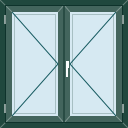 Windows
 -
 Doors
Doors -
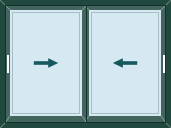 Sliders
 -
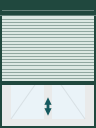 Roller shutters
 -
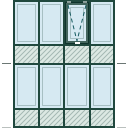 Curtain walls
 -
 Partitions
Composite frames
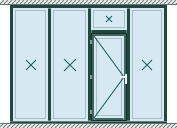
Several products brought together in one frame by mullions and transoms: one drawing, one quote.
-
 Tilt and turn over a panel
 -
 2 sashes under a transom
 -
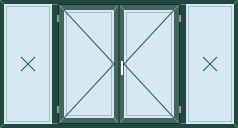 2 sashes between side lights
 -
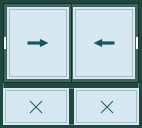 Slider over fixed lights
 -
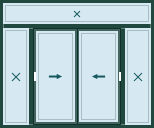 Slider, side lights and transom
 -
 Door, side light and transom
CUTTER SOFT AI, the built-in assistant
Describe your project and it prepares the quote. Nothing is saved without you. The assistant works inside your software, on your own settings.
CUTTER SOFT AI is included in every licence. It runs on rechargeable credits (offer on request).
Hundreds of users, from Dakhla to Tangier
The No. 1 aluminium and PVC window software in Morocco: workshops, factories, installers and distributors price their jobs with CUTTER SOFT, in Morocco and across Africa.
- Tangier
- Tetouan
- Oujda
- Kenitra
- Fez
- Rabat
- Meknes
- Casablanca
- El Jadida
- Marrakesh
- Agadir
- Laayoune
- Dakhla
12 years
of expertise in the Moroccan and African market
6
countries and territories equipped
- Morocco
- Mauritania
- Senegal
- Algeria
- Tunisia
- Réunion
Get started in 3 steps
The free trial lasts 15 days. Each step has its own training video (in French), so you can go at your own pace.
- 1
Download and install
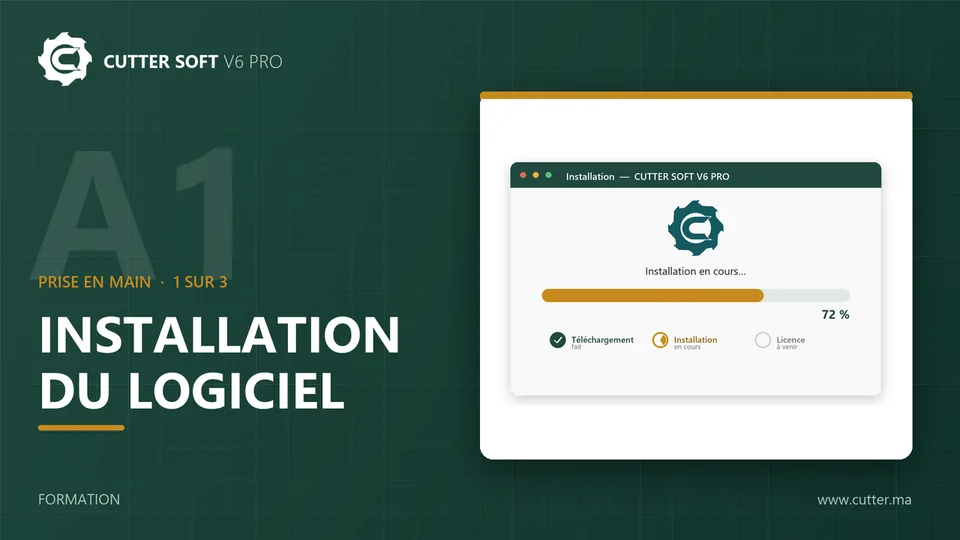
Download the latest version of CUTTER SOFT, then double-click the file and follow the installation wizard. A single file, the same for the trial and for customers.
- 2
Activate your 15-day trial
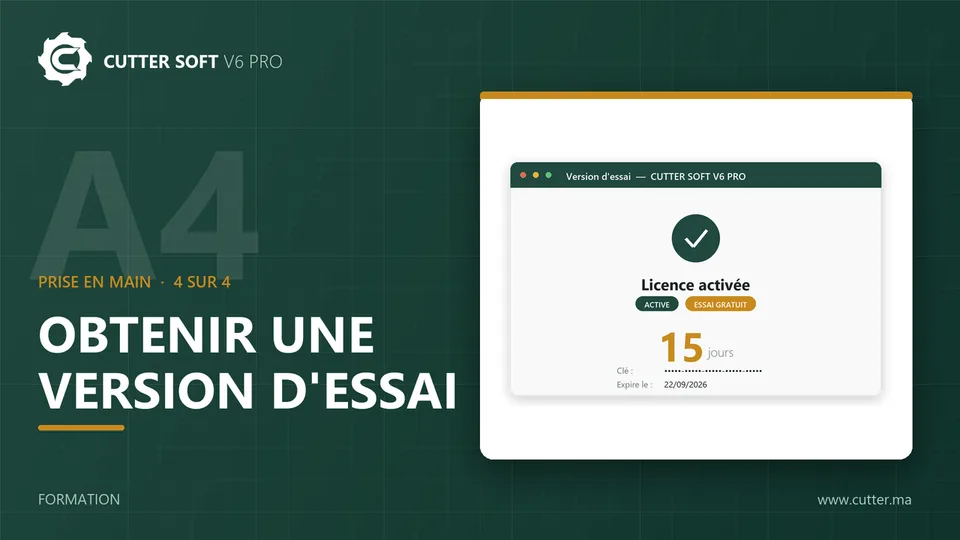
On first launch, click Try for free and enter your details: the trial key arrives by email. Activate it, and your 15 days begin.
- 3
First pricing and quote
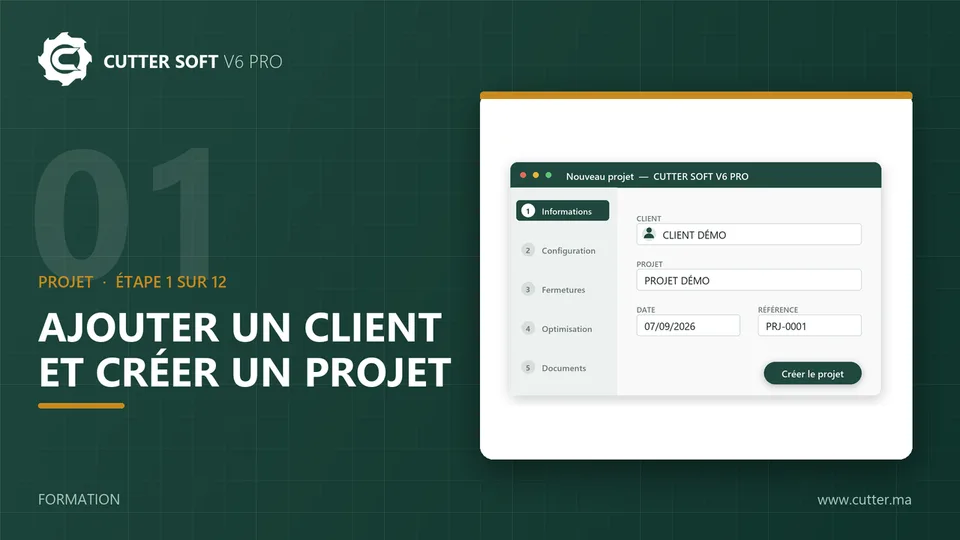
Create your first customer and your first project, add your windows and doors, then price them and print your first PDF quote.
Windows 10 or 11. An Internet connection is required at activation and at each launch.
Frequently asked questions
Is CUTTER SOFT free?
The 15-day trial is free. After that, CUTTER SOFT is sold as a subscription or a lifetime licence, with an offer made on request.
Does it run on a Mac?
No. CUTTER SOFT is Windows software: it installs on Windows 10 or 11.
Which profile systems does CUTTER SOFT work with?
Any profile system, no supplier imposed: you create your profile systems, series, profiles, hardware and price lists, or our team prepares your session.
Which languages?
The interface is available in French, English and Spanish.