
Download CUTTER SOFT and try it free for 15 days
Download and install, activate the trial, price your first quote: you request the trial key from the software, and it arrives by email.
 CUTTER SOFT V6 PRO
CUTTER SOFT runs on Windows 10 and 11.
CUTTER SOFT installs on a Windows PC.
- Version
- 6.1.6
- Size
- about 203 MB
- System
- Windows 10 and 11
- Languages
- French, English and Spanish
CUTTER SOFT V5 has been replaced by V6: download the latest version above.
Download and install CUTTER SOFT
A single file, always the latest version of CUTTER SOFT V6 PRO: the same for the free 15-day trial and for customers. First, see what CUTTER SOFT V6 PRO does.
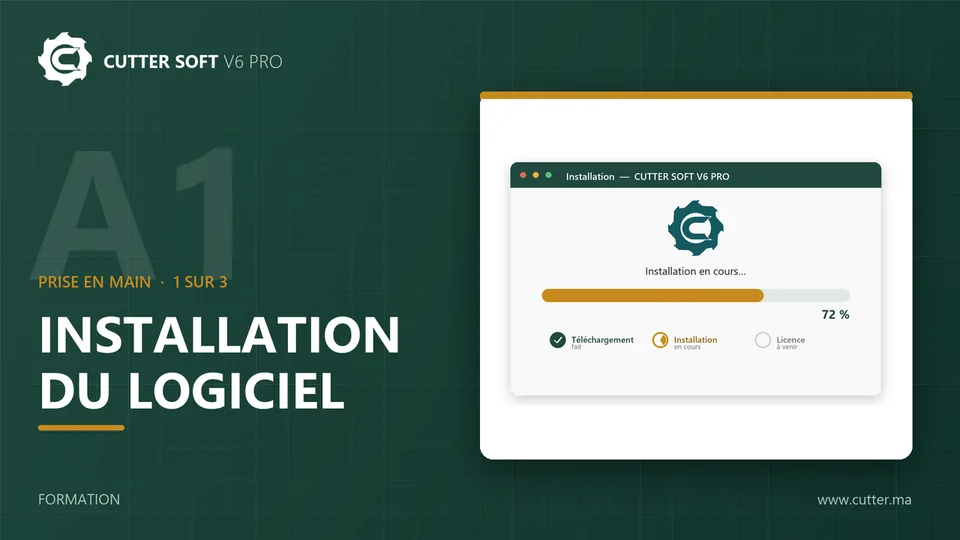
Double-click the downloaded file, then follow the wizard: language, terms of use, installation folder, Finish. By installing the software, you accept its terms of use.
The software installs on a Windows PC. On a phone, the button sends you the link on WhatsApp, to open later on your PC.
Would you rather be guided? Book a demo: one of our team prices a job like yours with you.
System requirements
- System
- Windows 10 and 11
- Disk space
- At least 5 GB free 500 MB for the software, the rest for your databases
- Internet
- At activation and each time it starts
- Languages
- French, English and Spanish
You choose the interface language during installation. CUTTER SOFT is Windows software: there is no Mac or mobile version.
Already a customer? Update your software
Activate your 15-day trial
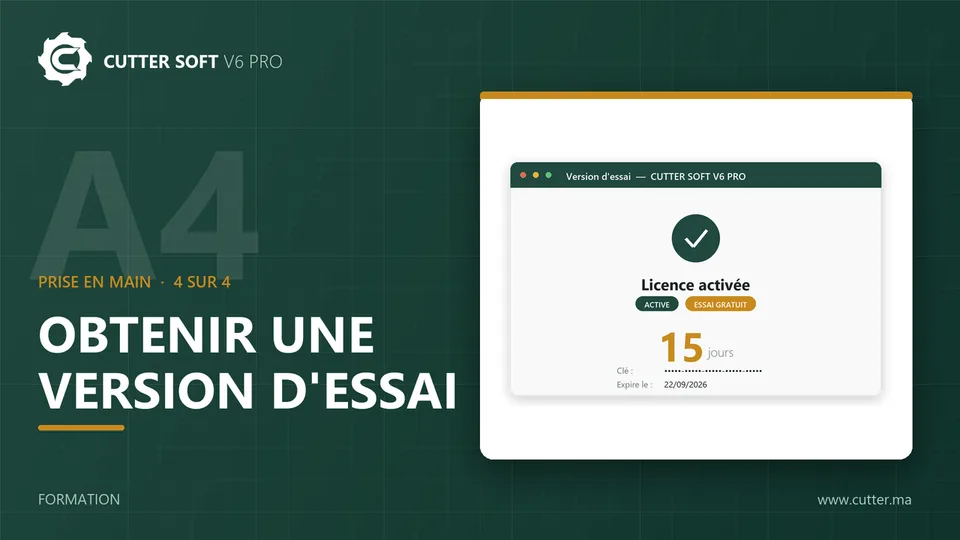
You request the trial key from the software on first launch, and it arrives by email.
- 1
Open CUTTER SOFT
On first launch, the activation window opens: click Try for free. - 2
Request your key
Enter your full name, email address, phone number and company, then send the request. - 3
Activate your key
The trial key arrives by email (remember to check your spam folder): activate it, and your free 15-day trial begins.
First pricing and quote
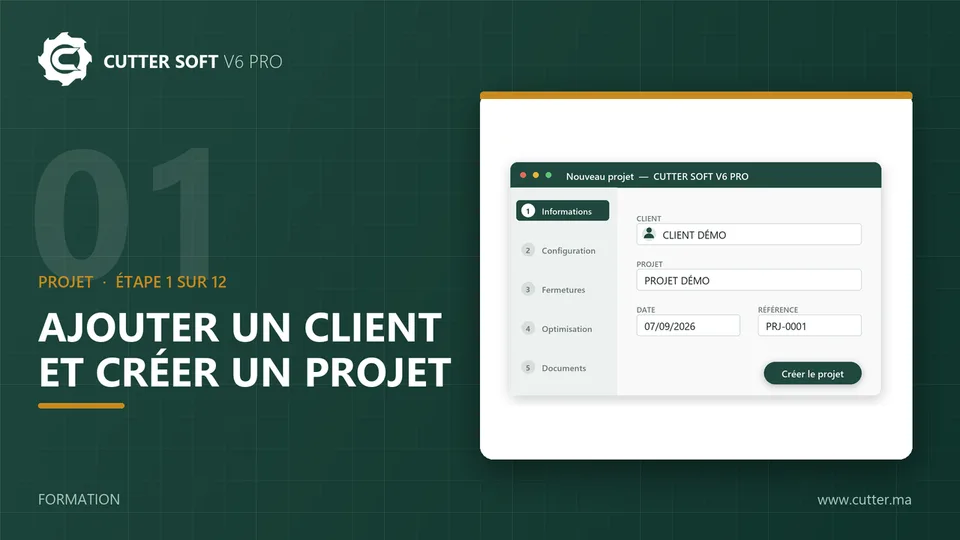
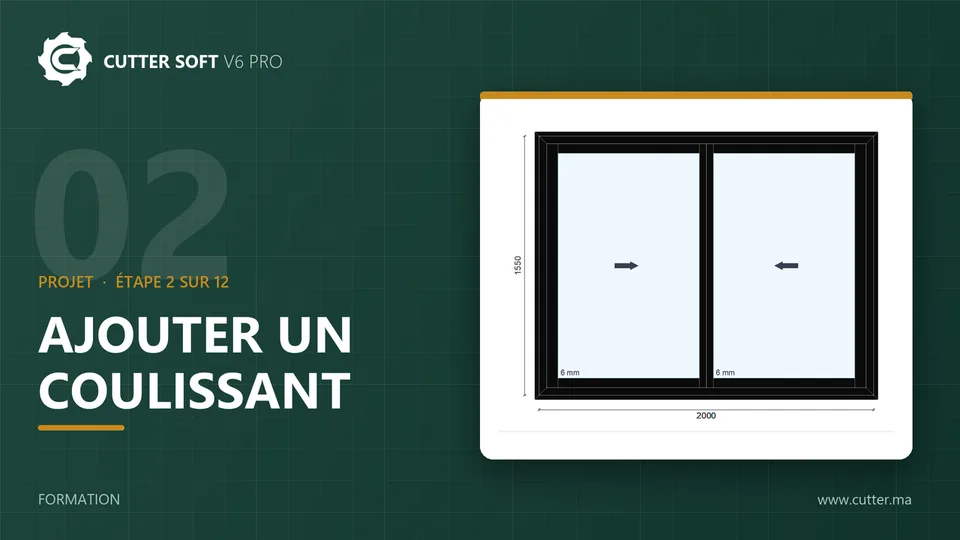
Start with the training video (in French) that creates your first customer and your first project. The next two, as a complement, add a sliding window, then run cutting optimisation, pricing and the quote.
Common installation problems
The Program Files folder is not accessible
The installer then uses your user profile, in the AppData folder. CUTTER SOFT works in exactly the same way.
The trial key does not arrive
Look in the junk mail (spam) folder of the mailbox entered in the activation window.
The software shows “Invalid licence key”
Copy the key again with its capital letters and hyphens, and check the email address you entered.
CUTTER SOFT cannot connect
Check your Internet connection, then allow CUTTER SOFT through your firewall or network proxy: the licence is checked online, at activation and each time the software starts.