
Frequently asked questions about CUTTER SOFT V6 PRO
Before you try it, or once you are a customer: short answers about the trial, the software, licences, CUTTER SOFT AI and support.
For example: trial, Mac, licence, backup.
Free trial and installation
Is the trial free?
Yes, for 15 days. Download the installer, install it, then click “Try for free” in the activation window. The key arrives by email: remember to check your spam folder.
How do I install CUTTER SOFT?
Download the installer from the download page, run it and follow the setup wizard. On first launch, the activation window offers the free trial or lets you enter your key. The video training shows every step.
What computer does CUTTER SOFT run on?
A Windows 10 or 11 PC. CUTTER SOFT is Windows software: there is no Mac version and no mobile app.
Do I need an Internet connection?
Yes, at activation and each time the software is launched.
Which languages?
The interface is available in French, English and Spanish.
What the software does
Which profile systems does CUTTER SOFT work with?
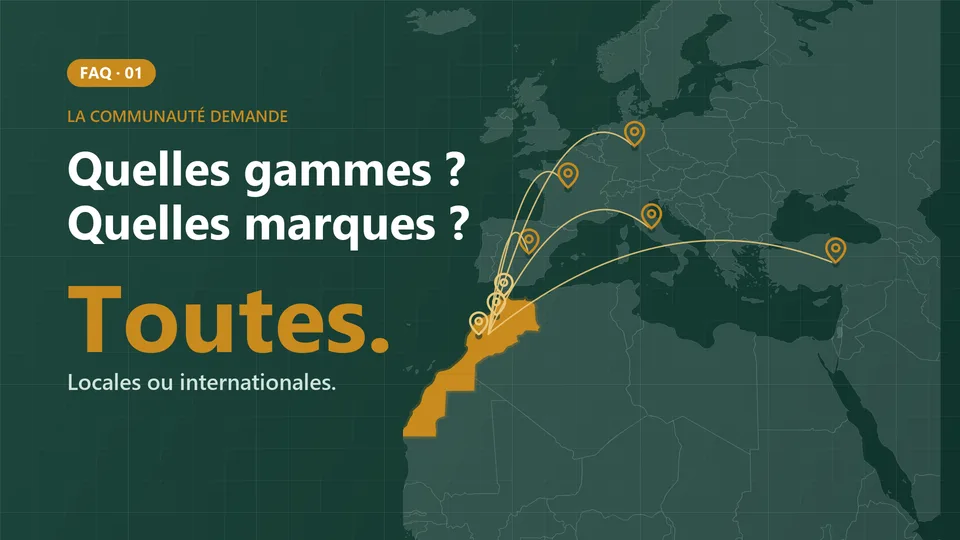
Any profile system, no supplier imposed: you create your profile systems, series, profiles, hardware and price lists, or our team prepares your session.
Which products does CUTTER SOFT V6 PRO handle?
Casement windows, doors, sliding and lift-and-slide doors, fixed lights, roller shutters with foam-filled or extruded slats, curtain walls, partitions including slimline ones, balustrades and composite frames, in aluminium or PVC.
Does CUTTER SOFT design composite frames?
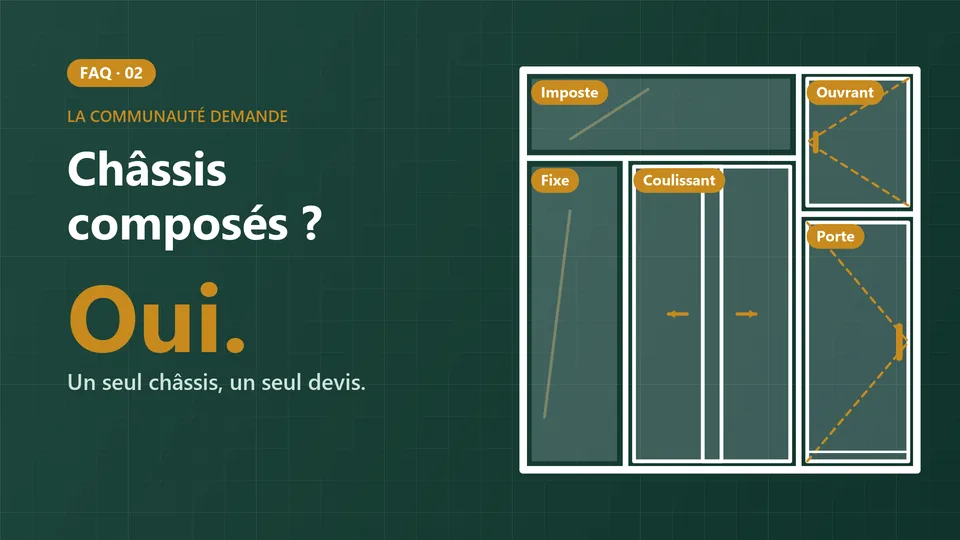
Yes. The designer combines sliders, casements, fixed lights and doors in one composite frame, with the dimensions of each element: one frame, one quote. FAQ video 02 shows how.
How does cutting optimisation work?
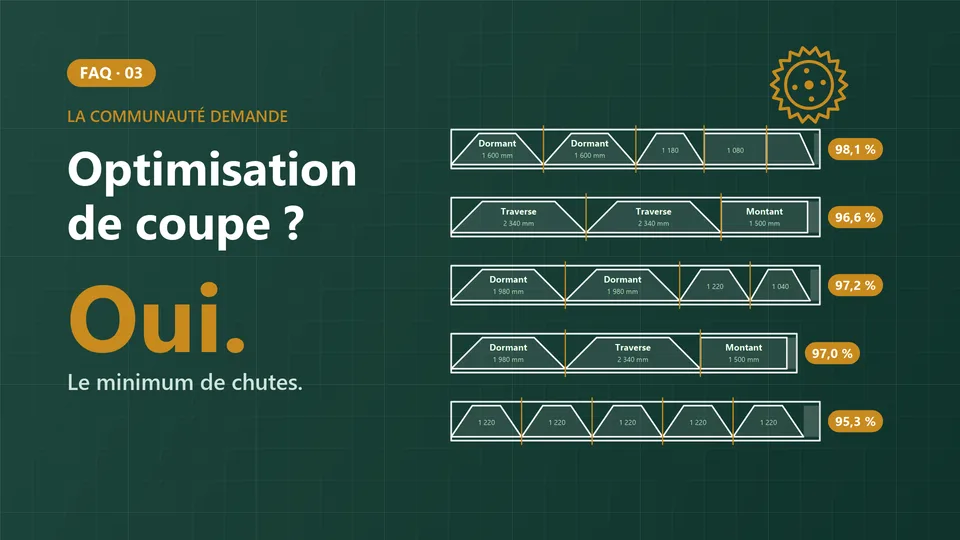
It offers 3 modes: automatic, available lengths and limited stock. Reusable offcuts are included above a threshold you set, then CUTTER SOFT produces the cutting plan and the cutting sheet. The details are on the cutting and optimisation page.
Does CUTTER SOFT price roller shutters?
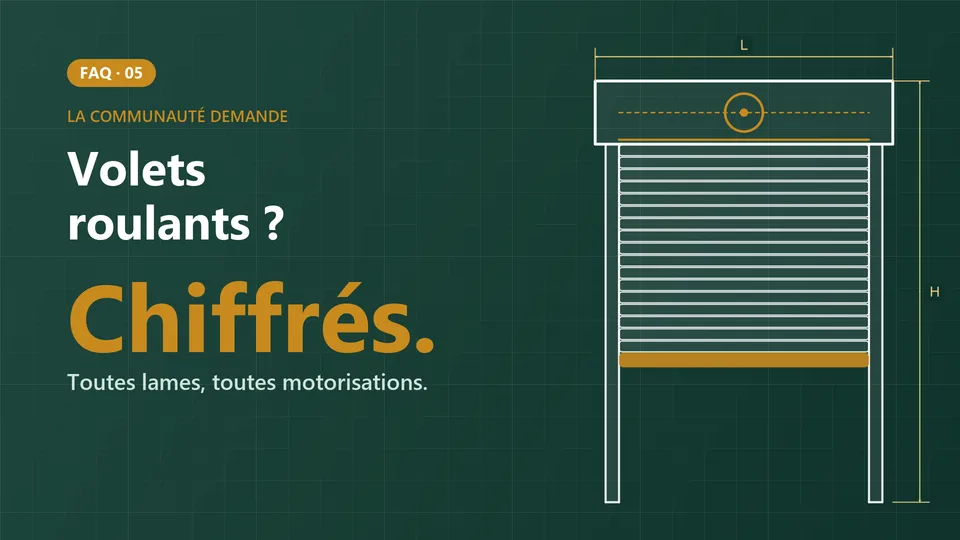
Yes. You enter the width, the height and the slat type: CUTTER SOFT calculates the slats, guide rails, box, tube, bottom slat, motor and price. Full details are on our roller shutter pricing software page.
What about curtain walls and PVC?
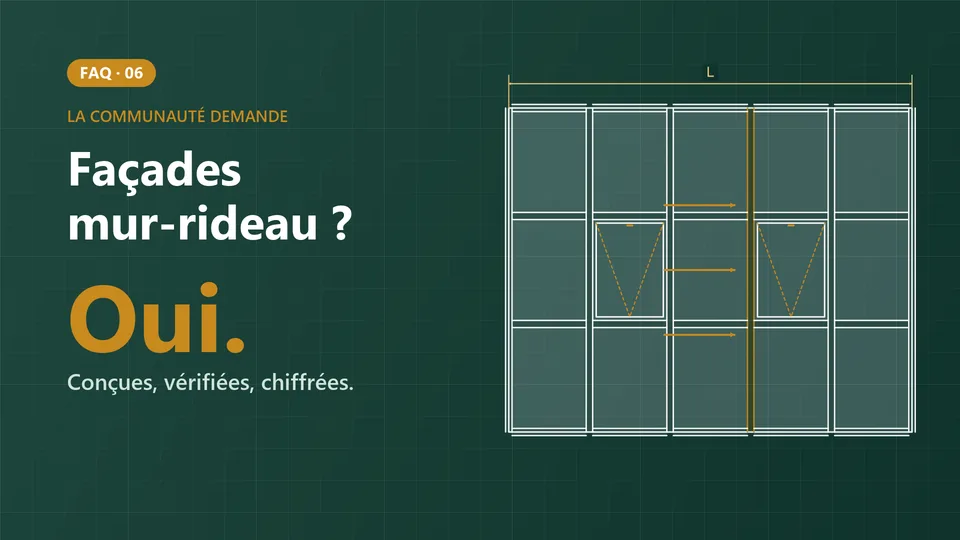
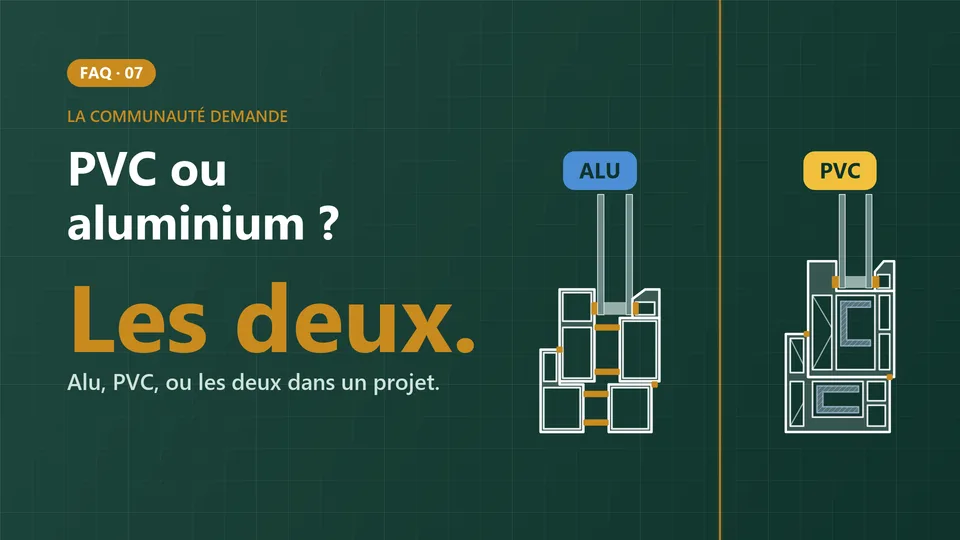
Curtain walls are designed and priced from their grid: cap and clamp, structural glazing (VEC), externally beaded glazing (VEP) and any other type you set up. PVC is set up just like aluminium, and one project can mix both: that is the subject of FAQ video 07.
Which documents does CUTTER SOFT produce?
Nine PDF documents per project:
- product list
- element sheet
- production sheet
- bill of materials
- cutting optimisation
- cost price
- quote with your logo
- glazing list
- panel list
Each project also exports to Excel or CSV; machine export is an option.
Is CUTTER SOFT an ERP?
No. CUTTER SOFT manages your contacts, projects, price lists and team roles, but not full stock management or invoicing. For those, the Odoo connector (option) sends your projects to Odoo.
Licences, options and CUTTER SOFT AI
How is CUTTER SOFT sold?
As a subscription and as a lifetime licence. No prices are published: the offer is made on request, to suit your workshop.
Which options can be added?
Three options can be added to the licence, on request: the structural calculation report, machine export and the Odoo connector. No prices are published: ask for a quote.
Is CUTTER SOFT AI included?
CUTTER SOFT AI is included in every licence. It runs on rechargeable credits (offer on request). Nothing is saved without your approval.
What does the Odoo connector do?
The Odoo connector (an option) sends a project’s bill of materials to an existing Odoo quotation: it creates one product per window or door, with its manufacturing bill of materials, and adds the lines to the quotation. Our article on the Odoo connector explains it all.
Existing customers: updates, a new PC, backups, support
How do I update CUTTER SOFT?
Download the latest version and install it over the old one, without uninstalling: your data is kept. The update guide also explains how to update your session.
How do I move to a new PC?
On the old computer, back up your sessions (ZIP export or Google Drive), then deactivate the machine from the user menu.
On the new PC, install CUTTER SOFT, activate it with the same key and the same email address, then import your sessions.
If the old PC is out of order, an administrator frees its seat from the machine management screen, or our support team helps you. A computer that has simply been reinstalled is recognised and keeps its seat.
Where is my data, and how do I back it up?
Your sessions are stored on your PC. Export them as ZIP files, or set up automatic sync to your own Google Drive, from every 15 minutes to every 4 hours, in a dedicated backup folder.
Careful: uninstalling CUTTER SOFT deletes the local database. Always back up first.
How do I contact support?
First, ask CUTTER SOFT AI, inside the software. Then open a ticket from the Support menu, message us on WhatsApp (opens in a new tab) or send us an email. Everything is on the support page.
For teams and companies
Can several people work on CUTTER SOFT?
Yes, on several computers, with the Administrator, Technician and Operator roles. The administrator manages the computers from the software.
Can my sales staff use it without technical training?
Yes, with the Operator role: they create projects, price jobs and print quotes, with no access to the technical setup or the price lists, which stay under the design office’s control.
Do my prices and customers go to the AI service?
Only if your question is about them. The assistant sends a map of the session: codes, descriptions, window and door structures, settings, project numbers. Your logins, connector keys and company details are never sent.
How do I manage aluminium prices?
With price lists: price per kilo for each series, colour prices per m², and derived lists with a discount. When you switch lists, the project is recalculated.
Answers on video
One question, one short answer on video: profile systems, composite frames, cutting optimisation, roller shutters, curtain walls, PVC and the story of CUTTER SOFT. The videos are in French.

Detailed guides
- Windows and doors
Roller shutter pricing software
Slats, motor, cutting and quotes for roller shutters.

- Windows and doors
Curtain wall software
Grid, checks and bill of materials for façades.

- Software
Aluminium cutting software
Cutting optimisation in 3 modes, reused offcuts.
- Software
CUTTER SOFT licences
Subscription or lifetime licence, options on request.
- Software
CUTTER SOFT AI
The built-in assistant, included in every licence.
- Resources
Download the free trial
The latest version, free 15-day trial.
Can’t find your answer?
Customers: ask CUTTER SOFT AI in the software first, then write to our team. Not a customer yet? Ask for a demo on WhatsApp.
First, CUTTER SOFT AI
In the software, ask the assistant your question: it answers about your setup and your projects, and explains each alert with its fix.
Left-hand menu, or the sparkles button at the top of the screen.
Then our team
-
A ticket from the software
Support menu, then “+ Create”. You follow the conversation in the software.