
CUTTER SOFT training: learn the software on video
The official CUTTER SOFT V6 PRO training, free and on video: from installation to quote, one module at a time.
How to follow the training
This short, free video training is for the operators and technicians who use CUTTER SOFT V6 PRO every day. Each video shows one specific task, from first launch to quote, and runs from under a minute to about five minutes. The videos are narrated in French, with the software on screen.
Follow the modules in order: module A to install the software and prepare your session, module B for a complete project, from creating the customer to the quote, then module C for further cases and support. Each video opens right here, without leaving the page.
To see how these steps fit your trade, read our pages on window and door pricing software and curtain wall software. And while you work, CUTTER SOFT AI, the assistant built into the software, answers questions about your setup and can prepare a project with you.
Module A, getting started: install, import, update
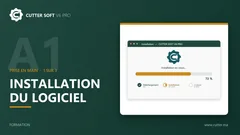
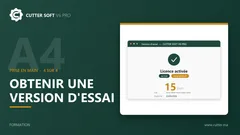
The first steps: install the software, import and update your session, get the free trial.
Module B, a complete project, from creation to quote
A project followed from start to finish: customer, sliders, casement windows, shutters, composites, curtain walls, partitions, then optimisation and quote.











Module C, further topics: composites, doors and support
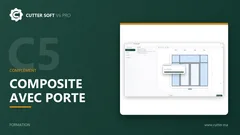
Additional cases and how to create a support ticket. The series is still growing.


Need help? FAQ, updates and support
Quick answers, the update guide, then our team.