Aluminium and PVC joinery has changed a great deal in recent years, thanks to digital tools. Good software makes pricing, quoting, cutting optimisation and production easier. But how do you choose? Here is the list of features to demand, illustrated by CUTTER SOFT V6 PRO, and a checklist to print.
Why make a list before choosing
Joinery software is chosen for several years: your profile systems, prices and projects will live in it. A well-run demo can impress without meeting your real needs. A list written in advance protects you: you check each point on your own units, not on a prepared example.
This guide stays neutral: it says what to demand, and how CUTTER SOFT responds. For the full presentation, see the full CUTTER SOFT V6 PRO presentation.
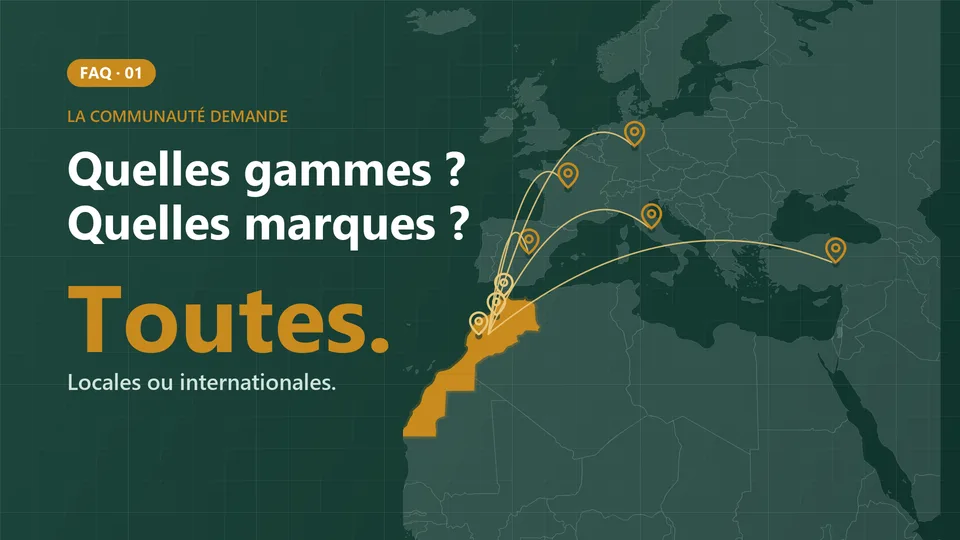
Set up your own profile systems, no supplier imposed
This is the foundation. The software must accept your profile systems, the ones your suppliers actually deliver: series, profiles, hardware, gaskets, glazing, panels, cutting formulas and IF/THEN rules, set up once.
In CUTTER SOFT, that is the rule: any profile system, no supplier imposed. You set it up yourself, or our team prepares your session.
Design all your units: windows, sliders, composites, curtain walls, shutters
A real job mixes several families. Demand that they all live in the same software:
- windows and doors, sliders and lift-and-slide doors, fixed lights;
- roller shutters, curtain walls, partitions, balustrades;
- composite frames, which combine several units into one;
- every opening type: side-hung, tilt-and-turn, outward-opening, bottom-hung, top-hung, pivot, sash;
- every finish: RAL, anodising, sublimation.
CUTTER SOFT handles them all, in aluminium as in PVC. For façades, see our page on curtain walls.
Price accurately: price lists, cost price, margin
A fast quote is useless if it is wrong. The software must handle real price lists: price per kilo for each series, colour prices per m², derived lists with a discount. When the price of aluminium changes, you switch lists, and the project is recalculated. The cost price and margin of each project must stay visible. It is all detailed on our pricing and quotes page.
Cut and optimise
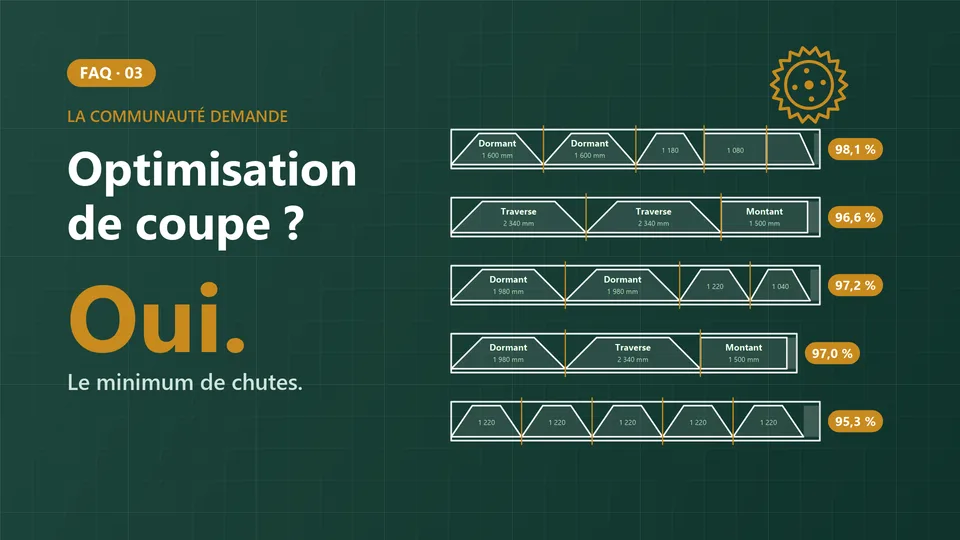
The software calculates the cuts for each unit, then the cutting plan for the bars. Demand several optimisation modes: CUTTER SOFT offers 3 (automatic, available lengths, limited stock) and reuses offcuts above a threshold you set. Cutting then happens in the workshop, with the printed cutting plan, or on a machine. See our cutting and optimisation software.
Prepare production: sheets, bills of materials, machine export
The workshop needs clear documents: a production sheet for each project, and a bill of materials for profiles, hardware and glazing. With the machine export option, cuts go to the double-mitre saw without re-keying.
Produce professional documents and quotes
A complete project must produce all its documents, without manual layout. CUTTER SOFT produces 9 PDF documents: product list, element sheet, production sheet, bill of materials, cutting optimisation, cost price, quote with your logo, glazing list and panel list. Every project also exports to Excel or CSV.
Work faster with an AI assistant
A built-in assistant saves time on repetitive tasks. CUTTER SOFT AI builds a project from a simple request, or from your customer’s Excel or PDF take-off, and nothing is saved without your approval. CUTTER SOFT AI is included in every licence. It runs on rechargeable credits (offer on request).
Work as a team, securely, with support
Joinery software is a team tool:
- roles: Administrator, Technician and Operator, each with their own access, to manage your price lists, projects and teams;
- protected data: sessions backed up automatically to your Google Drive;
- built-in support: tickets opened from the software, and CUTTER SOFT AI answering questions about your setup;
- training: training videos, module by module;
- software that is maintained: CUTTER SOFT V6 PRO runs on Windows 10 and 11, with an interface in three languages, and it is used by hundreds of users, from Dakhla to Tangier.
To see the options (machine export, calculation report, Odoo connector), see the options in a demo.